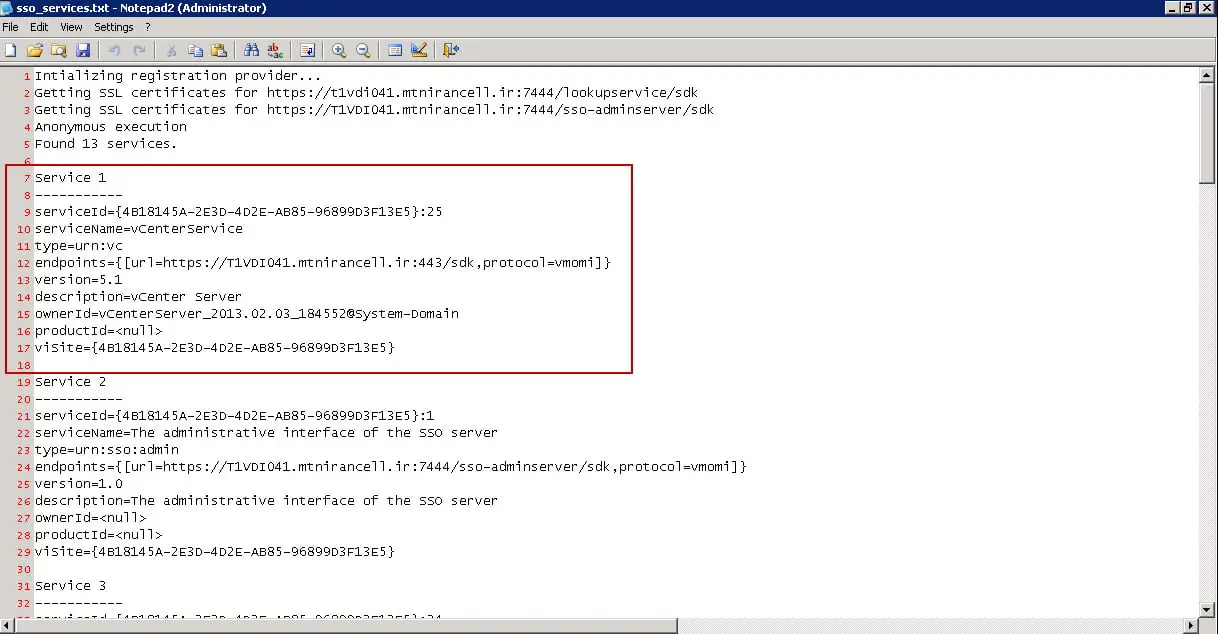
To obtain a list of services that are currently registered to SSO:
Log into the vCenter Server as an administrator.
Open a Windows Command Prompt.
Navigate to the %Program Files%\VMware\Infrastructure\SSOServer\ssolscli directory.
Note: The default directory path to the ssolscli.cmd is C:\Program Files\VMware\Infrastructure\SSOServer\ssolscli.
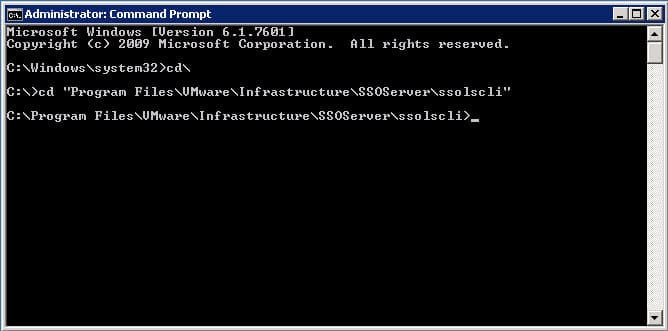
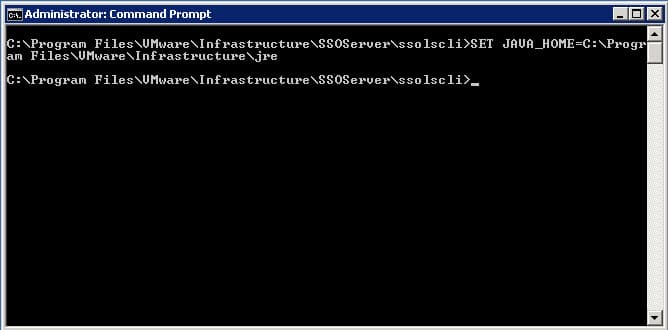
Run this command:
SET JAVA_HOME=C:\Program Files\VMware\Infrastructure\jre
Note: Verify the path first. The listed path is default, but this can be C:\Program Files\VMware\Infrastructure\jre1 after multiple installs.
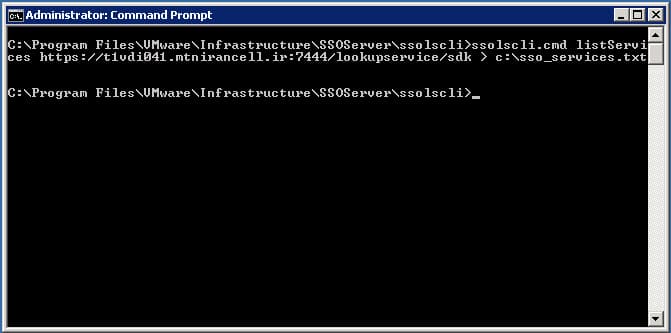
To create a text file with a list of the services registered with SSO, run this command:
ssolscli.cmd listServices https://FQDN:7444/lookupservice/sdk > c:\sso_services.txt
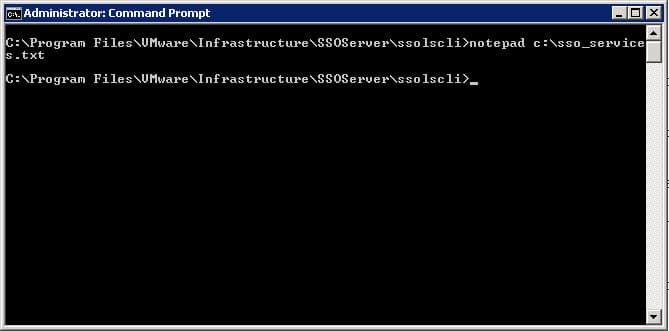
To open the text file that contains the list of registered services, run this command:notepad c:\sso_services.txt
You can see an example of the file: