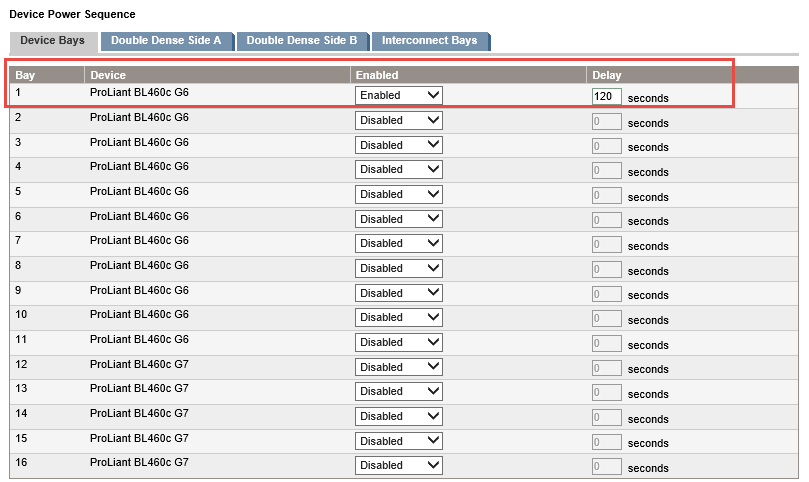
If you have C-Class enclosure in your environment and you have plan for upgrading OA firmware to 4.30 (or later) or you have installed OA module with 4.30 (or later) firmware, you need to configure delay time in “Device Power Sequence”. Seems, there is a problem during OA initializing process which OA shows incorrect “Caution” and/or “Critical” temperature. This is confirmed by HP officially and you can check this document for more information:
Anyway, you can configure the delay time via OA GUI same as the below: