Category: Data Center

FlexibleLOM - Rack Mount Servers 6

FLR vs FLB: The Ultimate Guide to Choosing the Right Option for You

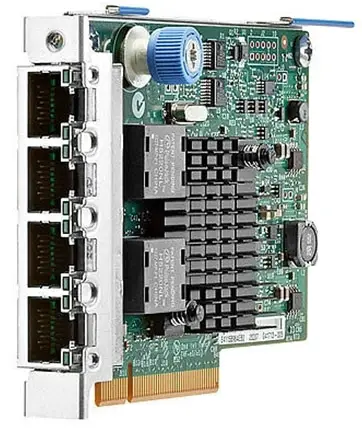
There are some types of adapters which installed on HPE servers such as FlexibleLOM, FLR and FLB. We are going to find out that meaning of each type. What’s FlexibleLOM? FlexibleLOM is a standard for HPE network interface cards that using on ProLiant Blade servers and ProLiant Rack Mount servers. LAN-On-Motherboard is an architecture for HPE network interface cards. There is some benefits when FlexibleLOM is installed on HPE servers. The previous server generations (G7 and earlier) shipped with an integrated LOM and if customers needs to another type of NIC, they had to purchase another PCI NIC for the server. This was consuming mezzanine or PCI slots which reduced the flexibility to add other mezzanine cards or PCI cards. What’s FLR? FlexibleLOM for Rack Mount servers that be installed on G8 and newer generations. FlexibleLOM technology uses a custom implementation of the PCIe 3.0 x8 interface. FlexibleLOM technology does not require additional CPU resources over standard LOM architecture and does not occupy a regular PCI slot. What’s FLB? FLB or FlexibleLOM for Blade servers that be installed on G8 and newer generations. It uses PCI Express v2.0 (Gen 2) x8 interface. The FlexibleLOM Blade adapter installs as a daughter...
Packet Loss 1

[Review]: Packet Drop vs Packet Loss – Linux

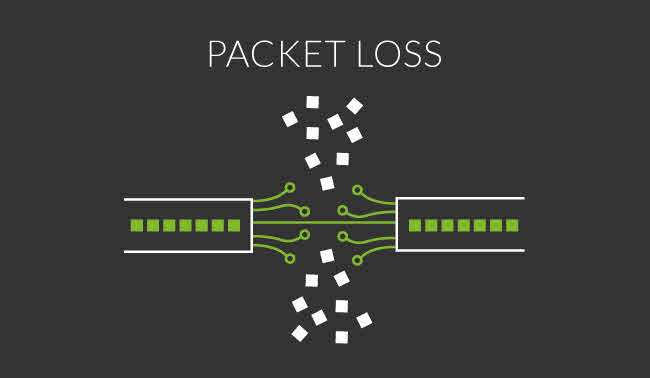
Actually, Packet Loss occurs when one or more packet can’t reach their destination because of some issue such as link congestion, TCP can detect packet loss and send the packet again (During packet recovery process) but packet loss has impact on users, who are using streaming media application and actually all application that using unreliable protocols such as UDP.

Packet Drop is typically discarding packets on different layers after processing packets and packet drop is one of reasons of data loss in some conditions.

Veeam ONE Alarm - Define Rule 1

Veeam ONE: How to Avoid VM Disk I/O Bottlenecks

Controlling resource usage by the metrics, it’s a key to keep your virtual infrastructure up and optimized and also keep your customer happy. Veeam ONE alarm will help you to controlling the metrics and resources.

Before create the alarms, we should know why I/O is important to us? And what is impact of generating lot of I/O by virtual machines?

Veeam BR - Backup Job Advanced Settings 1

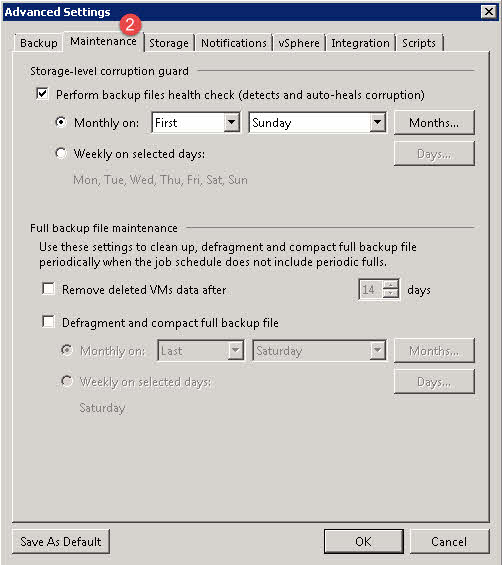
[Review]: Veeam BR – Storage-level Corruption Guard

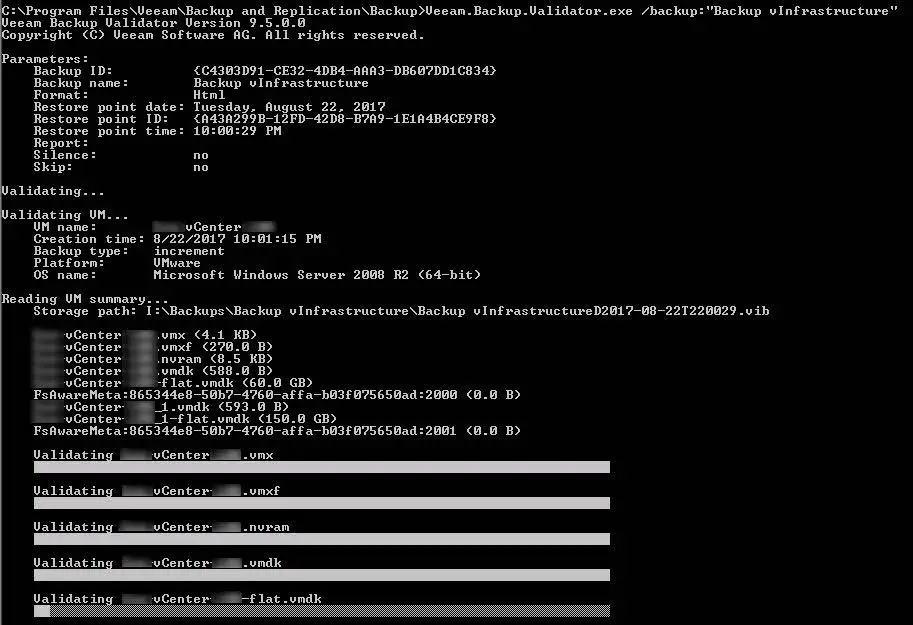
Storage-level Corruption Guard Taking backup from virtual or physical machine is a good solution to protect data and services in an organization also some administrators taking backup form backup files on another storage space, it’s absolutely prefect but not enough! If backup is corrupted during backup session or after that, the source backup and copied files will be corrupted and this is actually big risk because you can’t trust to your backup files. Veeam has a utility to check and validate backups but it should be run manually or as a script after each job, you can read more iformation about this solution on the below post: [Review]: Veeam BR Validator Command-Line Tool Also Veeam BR offers “Sure Backup” feature for checking backup files totally on a isolated environment. In addition to Sure Backup and Validator, Veeam BR has another feature to check backup files automatically at scheduled time. The feature is called “Storage-Level Corruption Guard” How It Works? When a job has finished, storage-level corruption guard will perform a CRC verification for the most recent restore point. It will validate whether the content of the backup chain blocks match the content described within the backup file metadata. If a...